


Are you tired of chasing timesheets and dealing with payroll headaches every month? Have you ever wondered if there’s a better way to track when your team clocks in and out? Perhaps you’ve noticed discrepancies in hours worked, or maybe your current system just isn’t cutting it anymore?
Setting up a new employee time and attendance system might sound like a big task, but it’s one of the smartest moves you can make for your business. Getting this right means fewer errors, happier employees, and a smoother payroll process. Plus, in Australia, staying compliant with Fair Work requirements isn’t optional—it’s essential.
In this guide, we’ll walk you through everything you need to know about implementing a time and attendance system that actually works. From choosing the right tracking method to training your team, we’ve got you covered. By the end, you’ll have a clear roadmap for setting up a system that saves time, reduces stress, and keeps your business running like clockwork.
What Is an Employee Time and Attendance System?
Simply put, a time and attendance system is a tool that records when employees start and finish work. It tracks hours worked, breaks taken, overtime, and leave. Think of it as your digital record-keeper for all things related to employee hours.
Key Features to Look For
When shopping around, keep an eye out for features that’ll make your life easier. Real-time tracking lets you see who’s on the clock right now. Automated calculations remove the need for manual maths—no more spreadsheet headaches. Look for reporting capabilities that give you insights into attendance patterns and labour costs.
Integration with payroll software is another must-have. You want data flowing smoothly from your attendance system straight into payroll without manual data entry. Mobile access is brilliant for teams on the go, while geofencing helps verify employees are clocking in from the right location.
Manual vs Automated Systems: What’s the Difference?
Manual systems rely on paper timesheets or basic spreadsheets. They’re cheap but prone to errors and time theft. Automated systems use technology to capture time data accurately. They’re more reliable, save administrative hours, and provide better compliance records. For most Australian businesses, automated systems pay for themselves quickly through reduced errors and improved productivity.
How Do I Set Up a Time and Attendance System for My Business?
Let’s break this down into manageable steps that’ll get you from decision to implementation without the stress.
Step 1: Assess Your Workplace Needs
Start by looking at your current situation. How many employees do you have? Do they work in one location or multiple sites? Are there remote workers in the mix? Consider your industry requirements too—a construction company has different needs than a retail shop.
Think about what problems you’re trying to solve. Is it payroll accuracy? Compliance? Reducing time theft? Your answers will shape which system suits you best.
Step 2: Choose the Right System for Your Team Size
Small businesses with fewer than 20 employees might find simpler, cloud-based solutions perfect. They’re affordable and easy to set up. Medium-sized businesses often need more robust features like shift scheduling and advanced reporting.
Larger organisations typically require enterprise-level systems with multiple integrations and customisation options. Don’t over-buy—a system that’s too complex will frustrate everyone and waste money.
Step 3: Select Your Tracking Method
Consider your workplace culture and practical constraints. A construction site might need rugged hardware, while an office environment suits sleek, modern solutions.
Step 4: Configure Shift Patterns and Pay Rules
This is where things get specific to your business. Set up your standard working hours, break rules, and overtime thresholds. Make sure your system understands penalty rates for weekends, public holidays, and late shifts—crucial for Australian compliance.
Take time to configure this properly. Mistakes here flow through to payroll, and fixing them later is a headache you don’t need.

Step 5: Integrate with Your Payroll Software
Connection between your time tracking and payroll systems is where the magic happens. Check compatibility before purchasing—most modern systems integrate with popular Australian payroll platforms like Xero, MYOB, and Employment Hero.
Test the integration thoroughly before going live. Run parallel processes for a pay period or two to confirm everything matches up correctly.
Step 6: Train Your Employees and Managers
Even the best system fails without proper training. Show employees exactly how to clock in and out, request leave, and check their hours. Managers need to understand approval processes, reporting tools, and how to handle exceptions.
Create simple guides or quick-reference cards. Consider short video tutorials for visual learners. Answer questions patiently—this investment in training pays dividends.
What Is the Best Way to Track Employee Attendance?
Comparing Popular Tracking Methods
Each method has pros and cons. Biometric tracking offers the highest accuracy and eliminates buddy punching, but initial costs are higher. Mobile apps provide flexibility and GPS verification, though they require employees to have smartphones. Swipe cards are affordable and familiar but can be shared between workers.
Cloud-based solutions offer excellent accessibility and automatic updates but need reliable internet. Many businesses combine methods—perhaps biometric terminals in the office with mobile apps for field staff.
Which Option Works Best for Remote and Hybrid Teams?
For teams splitting time between home and office, mobile apps with GPS tracking work wonderfully. They verify location while giving employees flexibility. Cloud-based systems let managers view attendance data regardless of where anyone’s working.
Look for features like project time tracking and task-based logging—these help managers understand what remote workers are actually doing, not just when they’re online.
How Do I Track Employee Hours in Australia?
Understanding Fair Work Compliance Requirements
Australian employers have specific obligations under the Fair Work Act. You must keep accurate records of hours worked, including start and finish times, breaks, and overtime. These records must be kept for seven years—yes, seven!
Your system needs to capture this information reliably. The Fair Work Ombudsman can request these records, and penalties for non-compliance are significant. Getting this right protects both your business and your employees.
Record-Keeping Obligations for Australian Employers
Beyond hours worked, you must record pay rates, leave balances, and superannuation contributions. Your time and attendance system should integrate with broader HR records. Make sure records are legible, in English, and readily accessible.
Digital records are perfectly acceptable—in fact, they’re often easier to maintain and retrieve than paper files.
Common Challenges When Implementing a New System
Employee Resistance and How to Overcome It
Change can be uncomfortable. Some employees might see new tracking as ‘big brother’ surveillance. Address concerns openly. Explain the benefits—accurate pay, easier leave requests, transparent records.
Involve team members early in the process. Their input on practical issues improves the final implementation. When people feel heard, they’re more likely to embrace change.
Avoiding Data Entry Errors and Time Theft
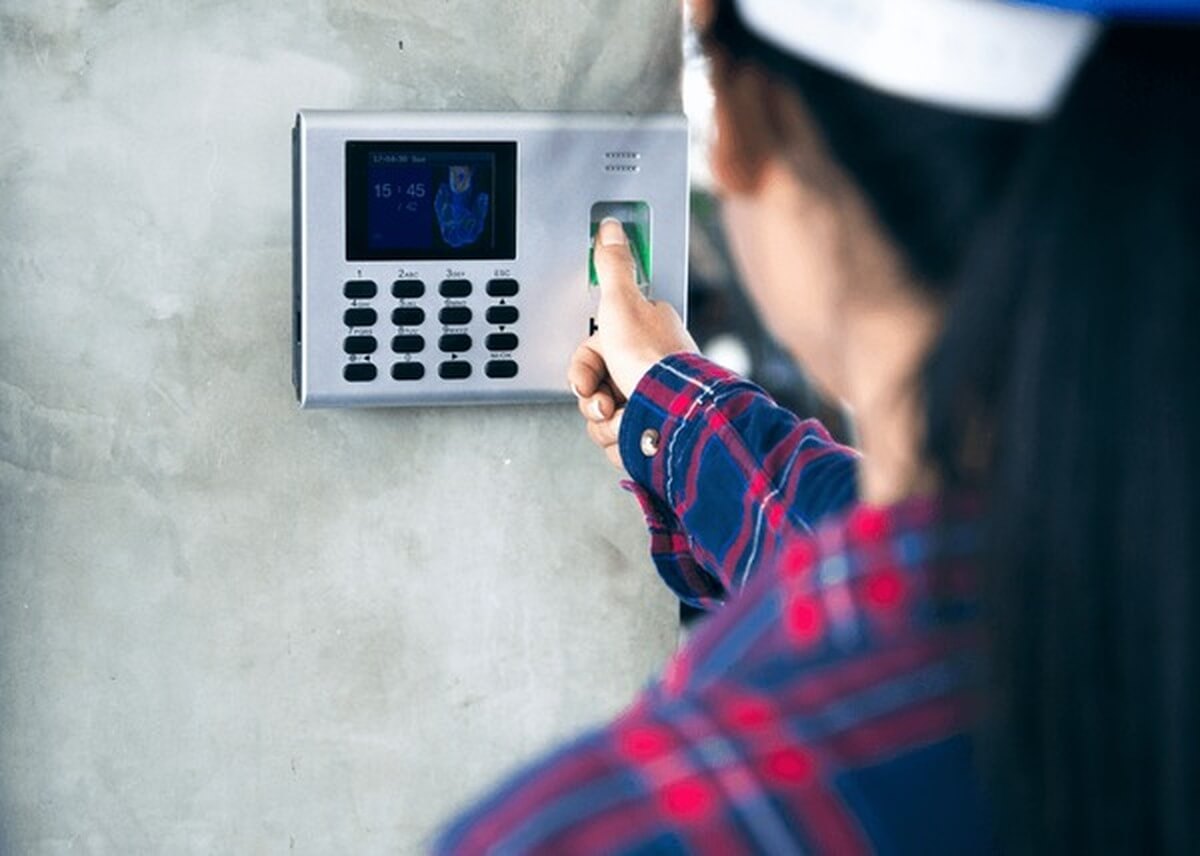
Automated systems dramatically reduce human error. Biometric verification prevents buddy punching. GPS tracking confirms employees are where they say they are.
Regular audits help catch issues early. Review exception reports—patterns of late clock-ins or missed punches might indicate problems worth addressing.
How Much Does a Time and Attendance System Cost?
Pricing Models Explained
Most systems use per-employee, per-month pricing—typically ranging from $3 to $15 per person. Some charge setup fees or require minimum contracts. Hardware like biometric scanners adds upfront costs.
Calculate your total cost of ownership, including implementation, training, and ongoing support. The cheapest option isn’t always the best value.
Free vs Paid Solutions: What You Actually Get
Free solutions exist, but they’re limited. They might cap employee numbers, lack integrations, or offer minimal support. For businesses serious about compliance and accuracy, paid solutions provide necessary features and reliability.
Consider free trials of paid systems—they let you test before committing.
Top Tips for a Smooth Rollout
Start with a pilot group before company-wide implementation. Choose enthusiastic team members who’ll provide honest feedback. Set realistic timelines—rushing leads to mistakes. Communicate frequently about what’s changing and why.
Have a backup plan for the first few weeks. Technical glitches happen, and you need contingencies. Celebrate small wins and thank employees for their patience during the transition.
Setting Your Team Up for Success
Implementing a new time and attendance system is a journey, not a destination. You’ve now got a clear understanding of what these systems do, how to choose the right one, and the steps to successful implementation. From assessing your needs to training your team, each stage matters.
Remember, the goal isn’t just tracking hours—it’s creating a fair, transparent system that benefits everyone. Accurate records protect your business and give employees confidence they’re being paid correctly. In Australia’s regulatory environment, proper time tracking isn’t just smart; it’s essential.
Take your time with this process, involve your team, and don’t be afraid to ask vendors tough questions. The right system, implemented well, will serve your business for years to come. You’ve got this—and your future self will thank you for getting it right from the start.